 Beyond Notes
Notes you can still open in twenty years.
Beyond Notes is a Markdown notes app for iPhone, iPad and Mac. Every note is a plain text file in your own iCloud Drive, so any app can open it. You write with the marks and read a finished page. Free to try for 30 days, with no ads and no account.
Coming soon to the App Store
For iPhone, iPad and Mac. iOS 26 and macOS 26.
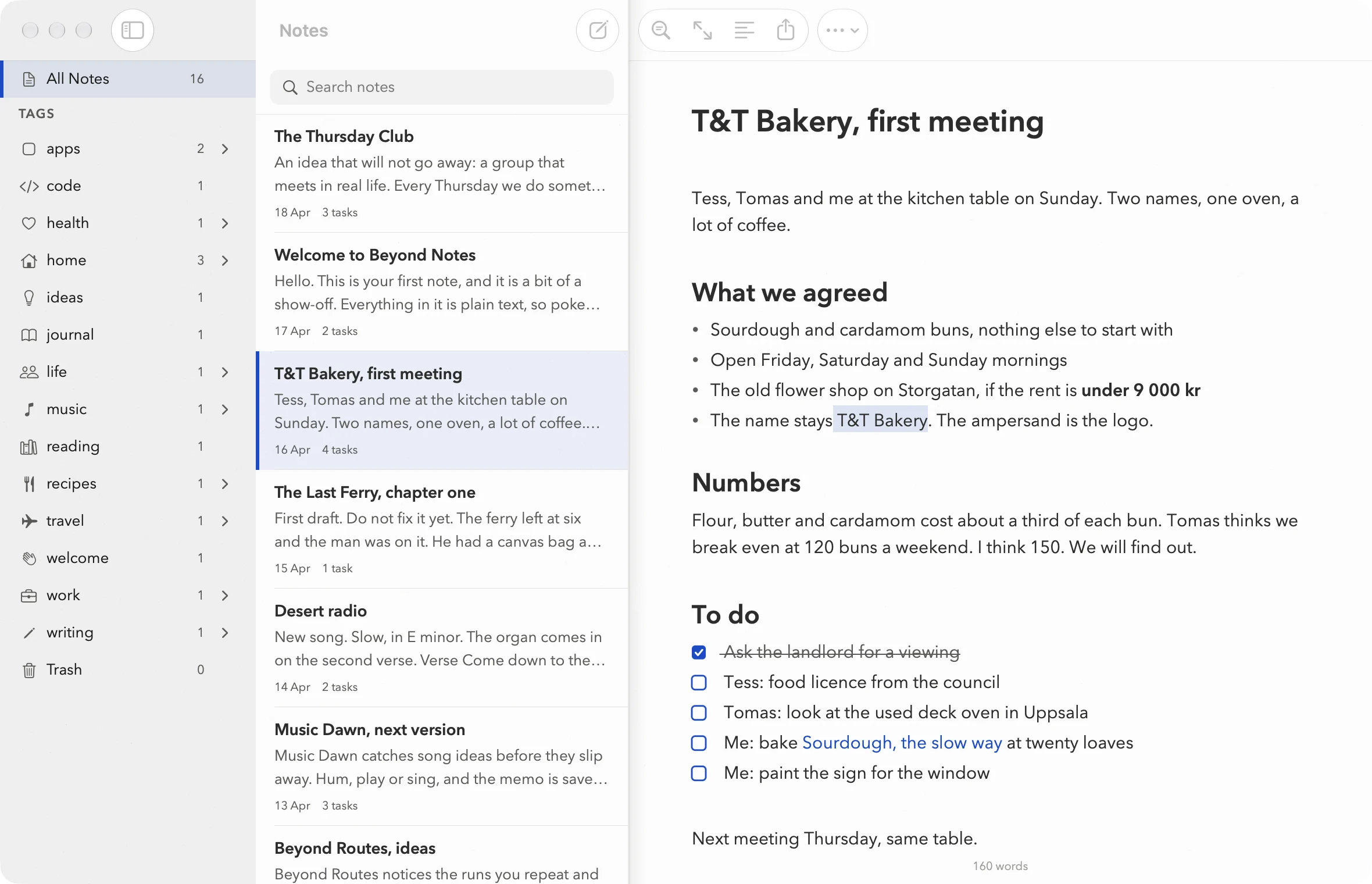
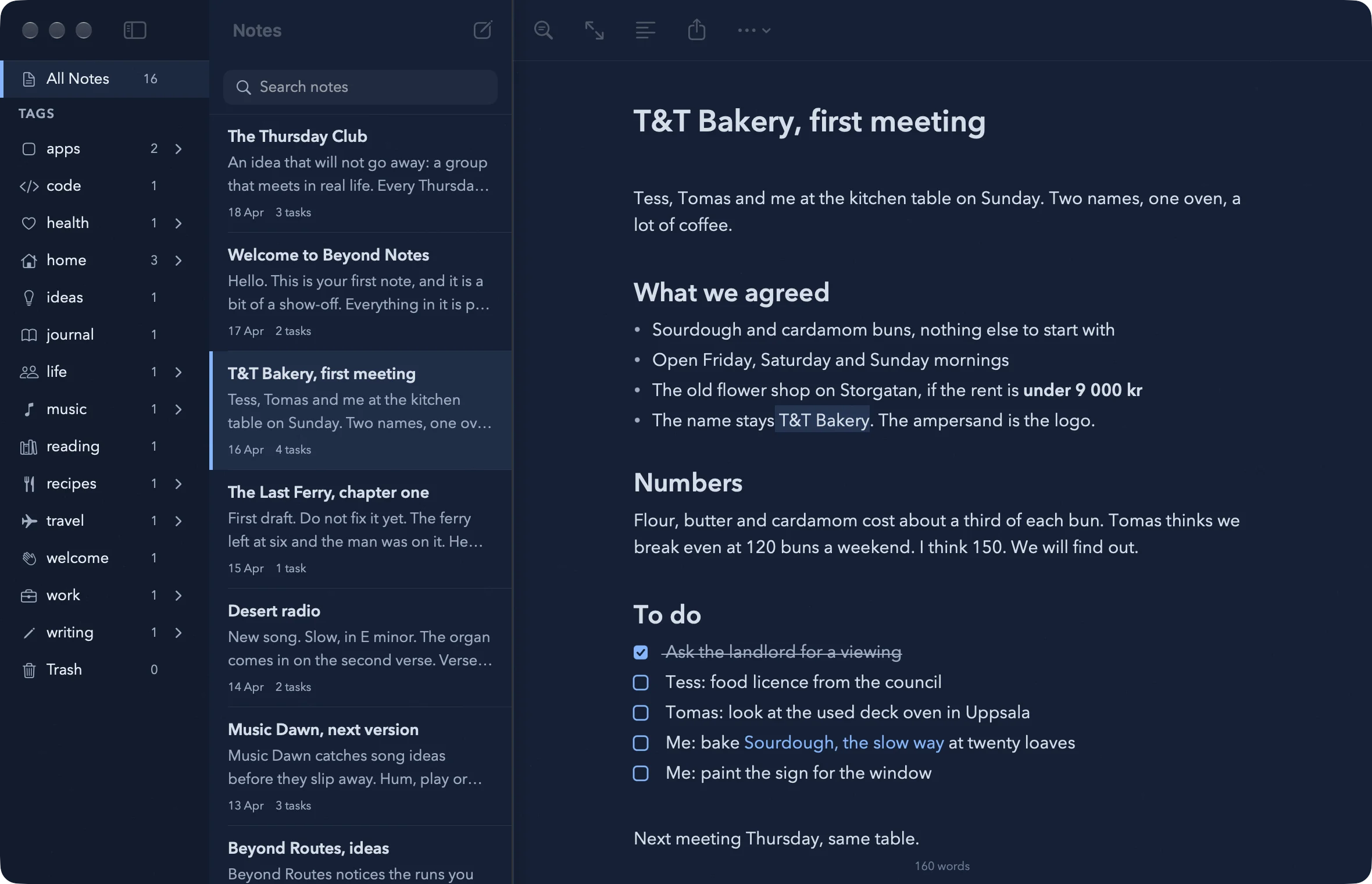
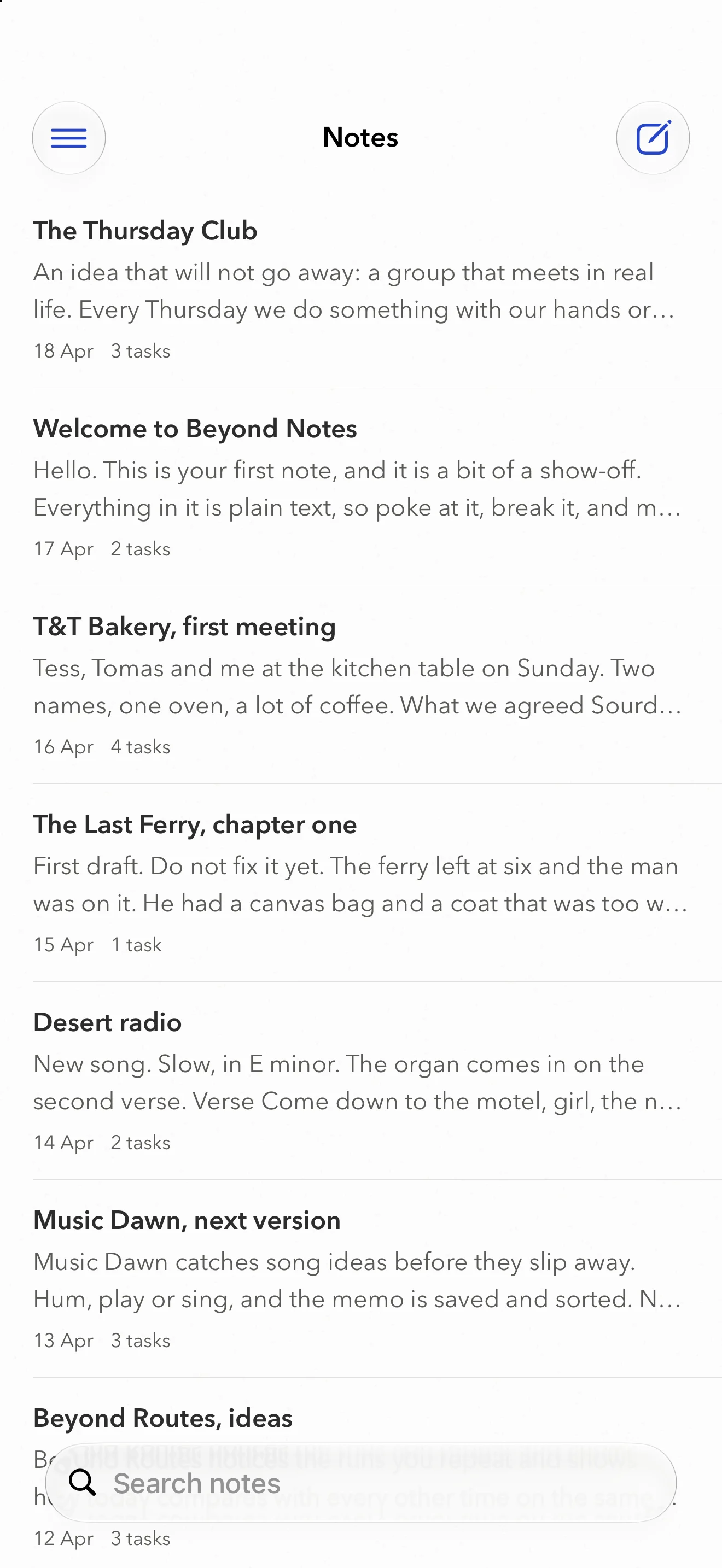
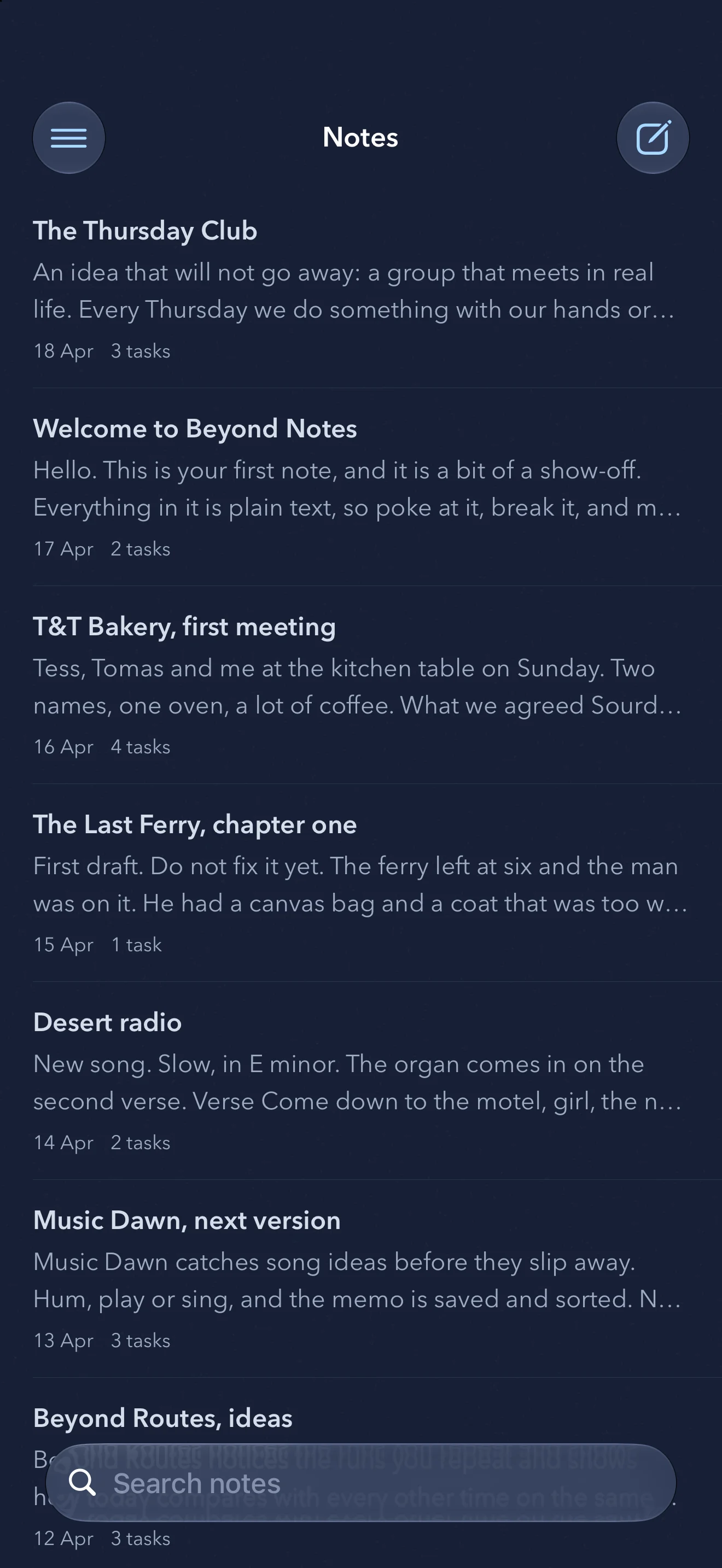
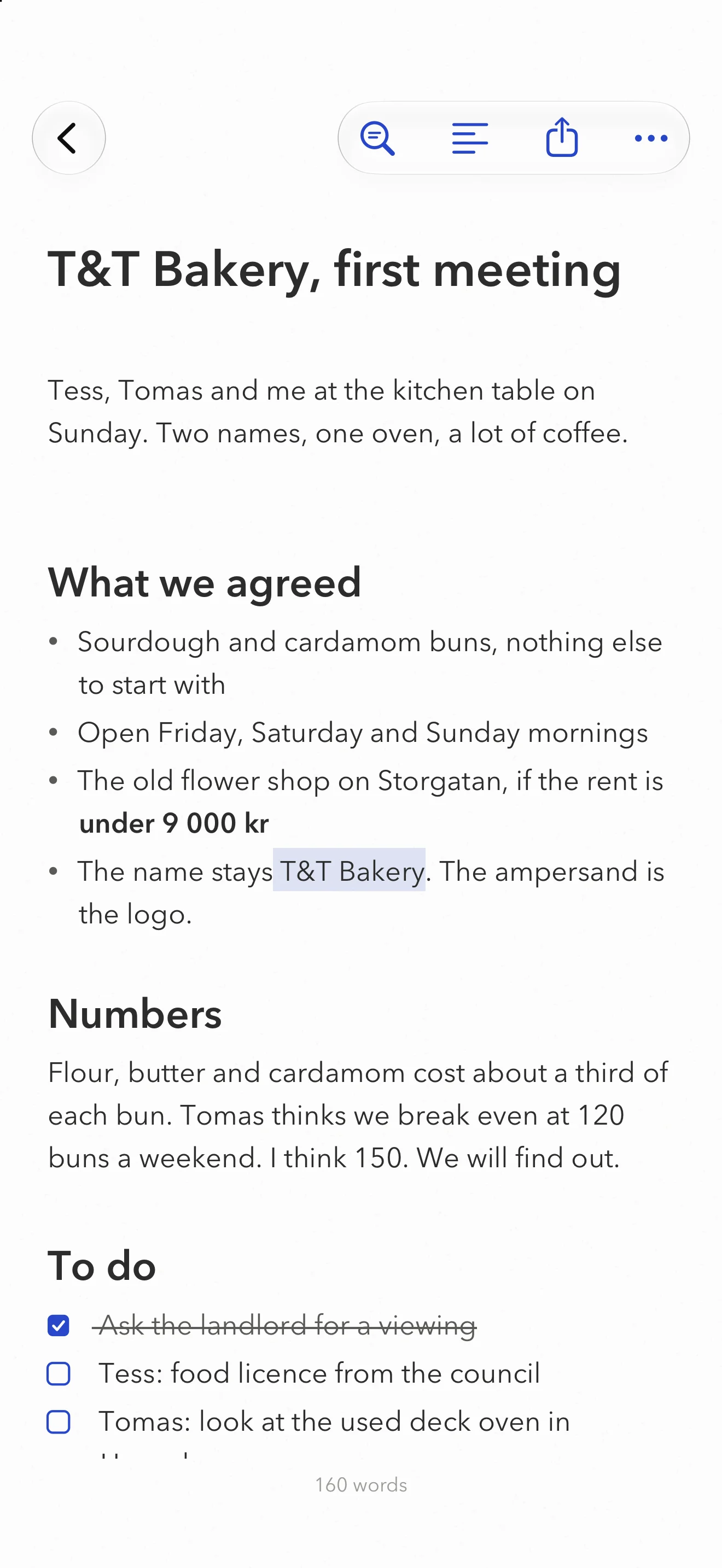
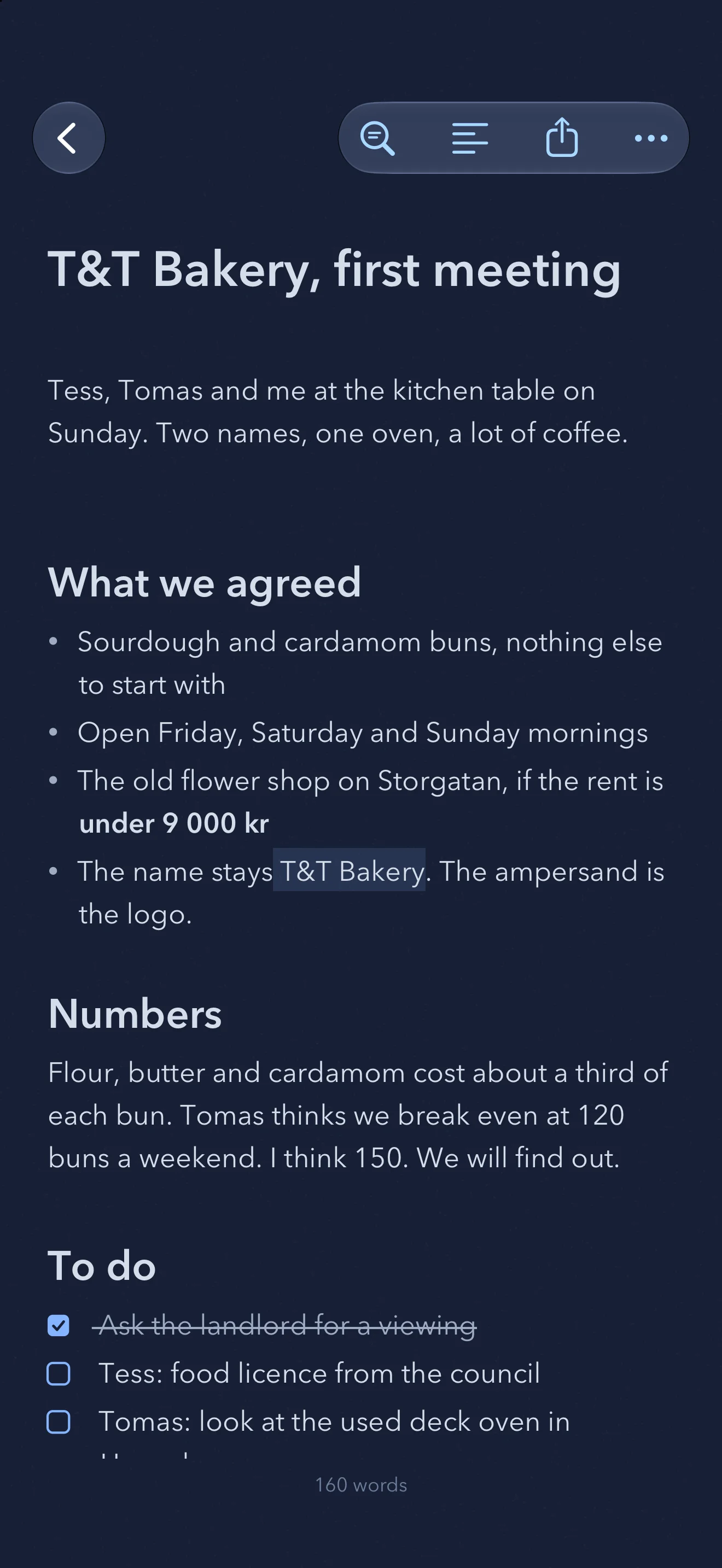
The marks step aside
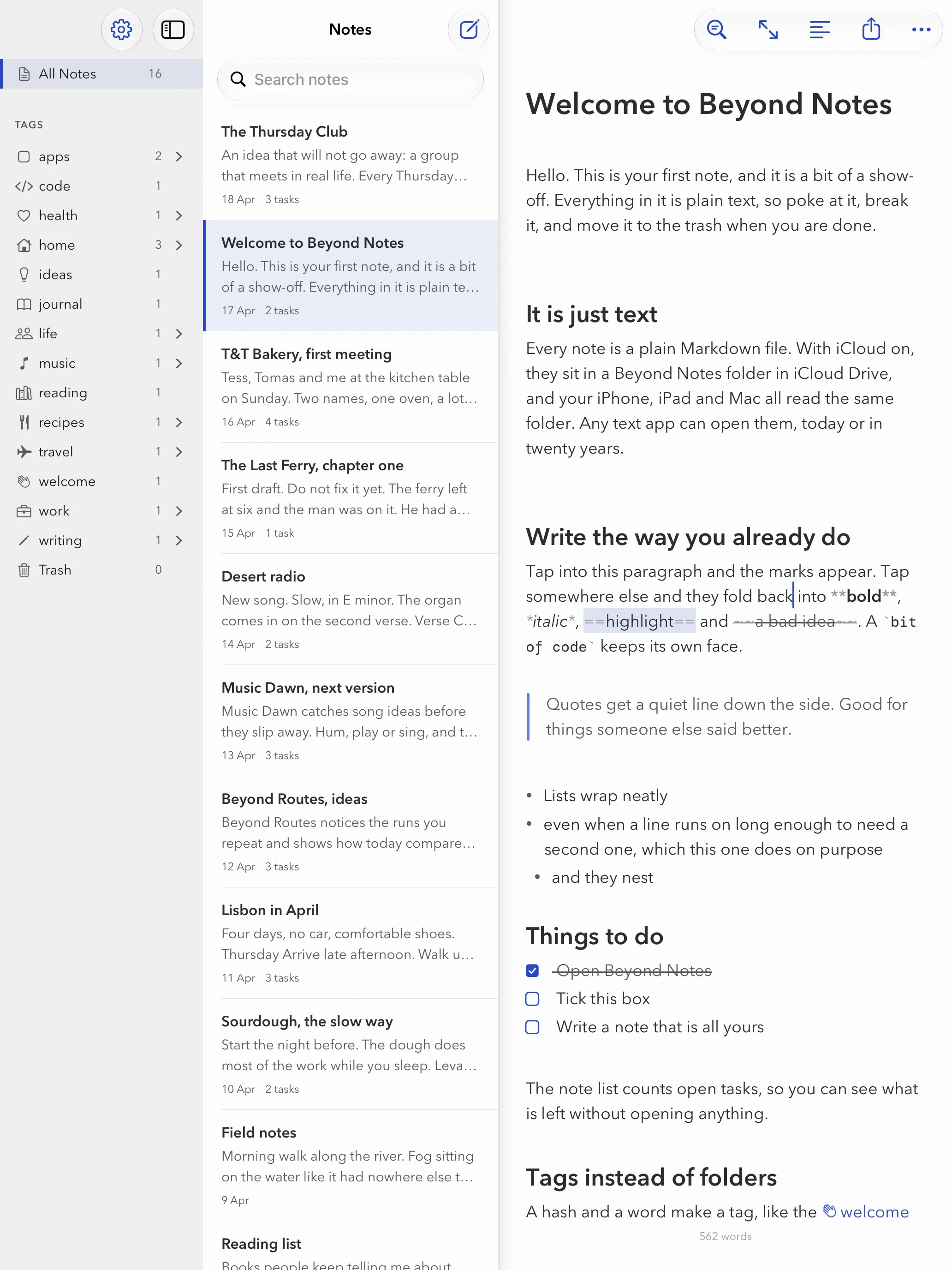
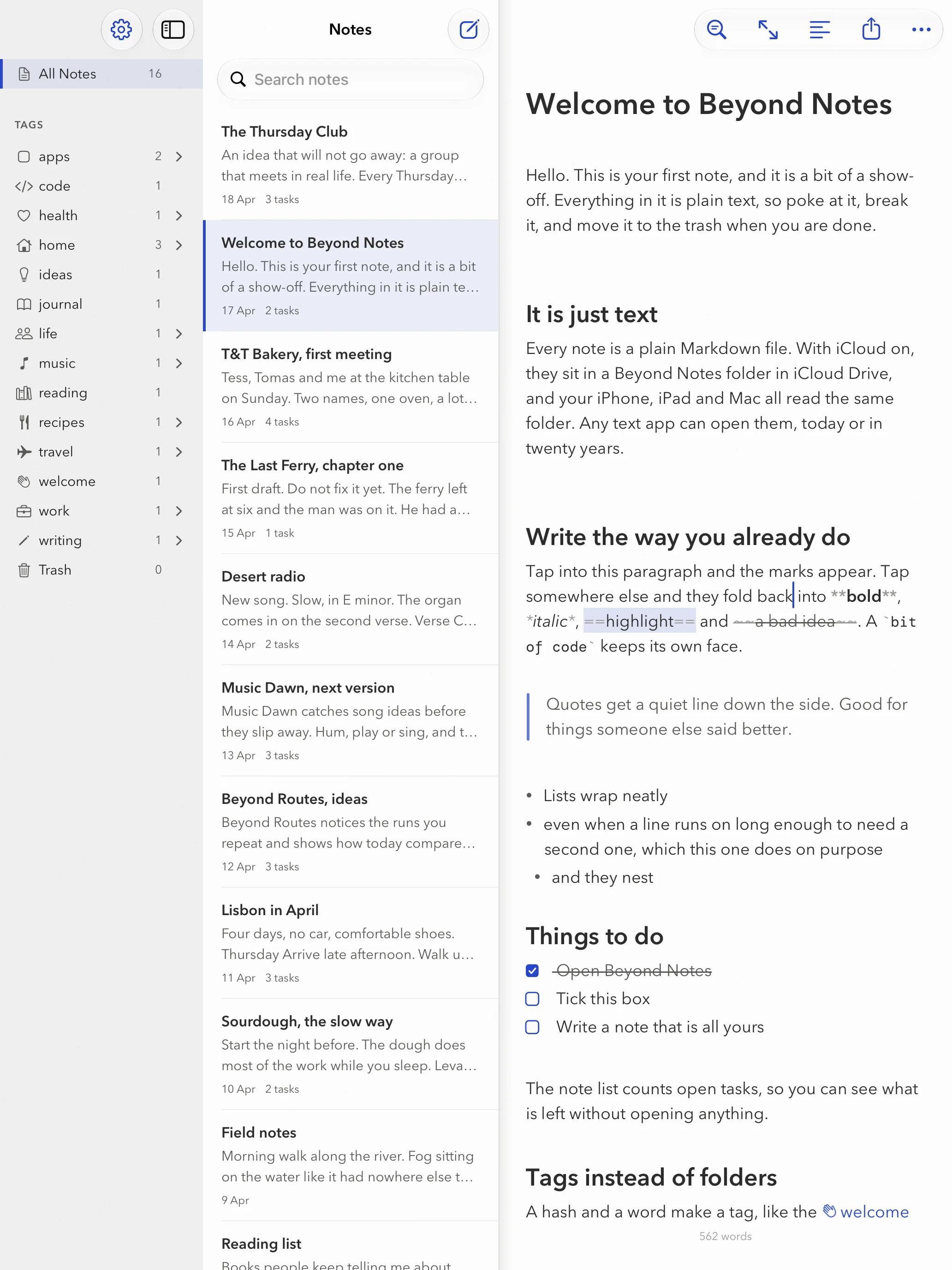
Type Markdown the way you always have. The paragraph you are writing shows its marks, so you can change them. Everything else settles into headings, italics, highlights, quotes and lists that wrap with a proper hanging indent.
Would you rather see every asterisk? Turn on Show Markdown and they all stay, faint, where you put them.
Tags instead of folders
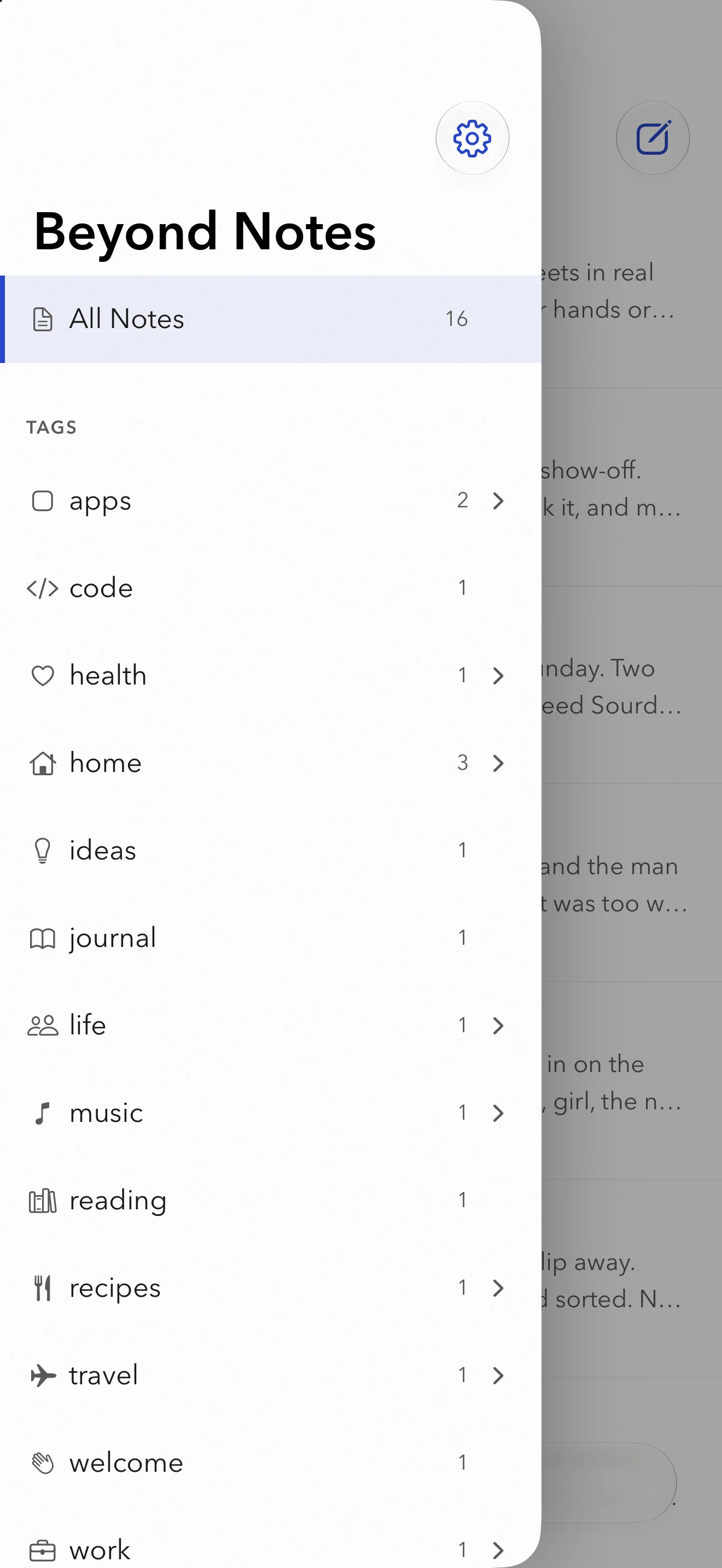
Type #recipes anywhere in a note and it appears in the sidebar. Add a slash, #recipes/bread, and one tag sits inside another. A note lives in as many places as it has tags.
A new tag gets an icon by itself when a word fits, and you can swap it for any symbol or emoji. Type # and your tags appear in a list, so the spelling stays the same every time.
Tick tasks in the text
Write - [ ] and you get a checkbox. Tap it and it is ticked, in the text itself. The note list shows how many are still open, so you know the shopping list has five things left before you open it.
At home on the Mac
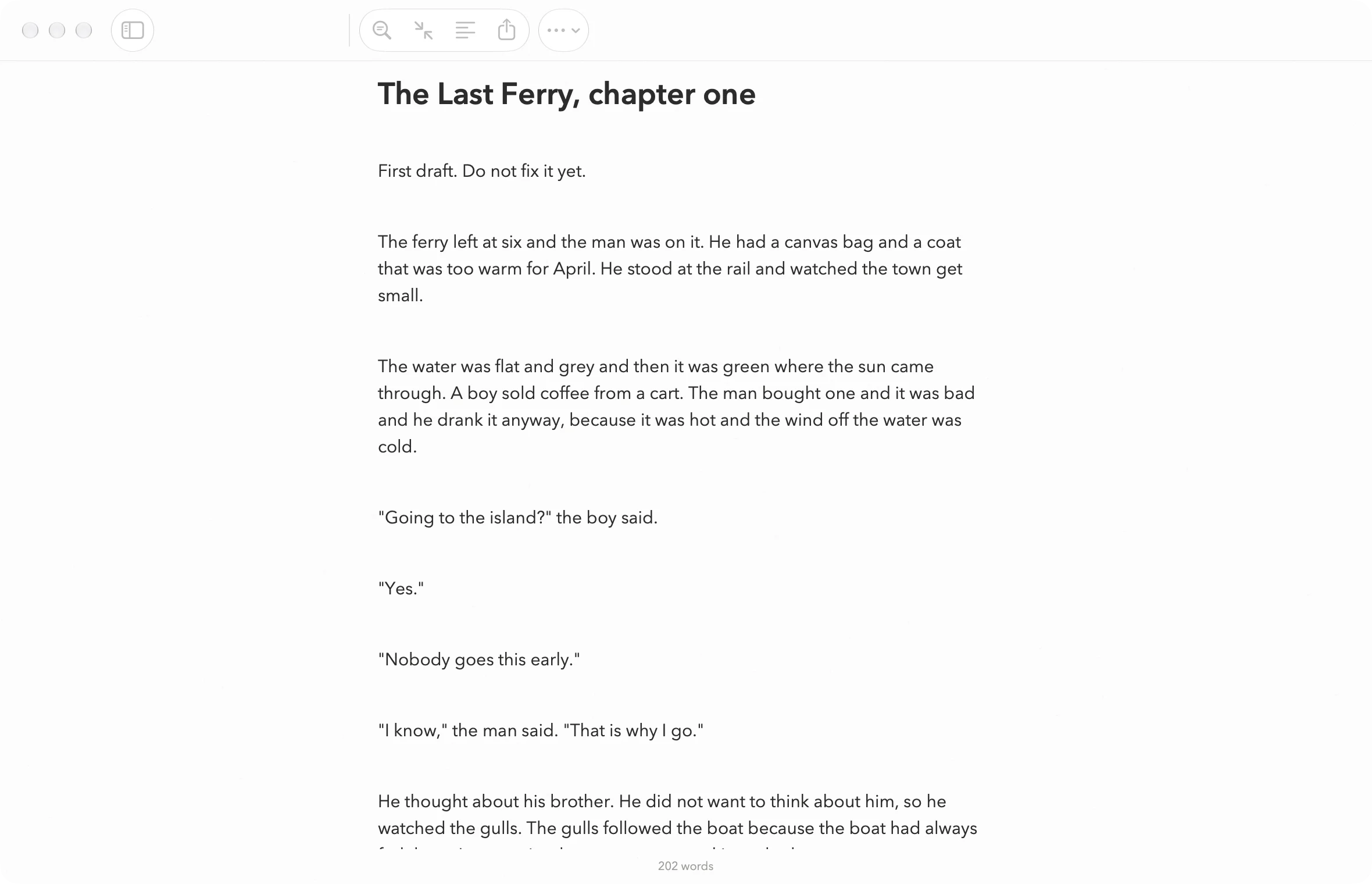
A real Mac app, with windows, menus and the shortcuts you already know. Headings sit on ⌘1 to ⌘6, code on ⌘J and links on ⌘K. Note Only hands the whole window to the page you are writing.
Type [[ and a list of your notes opens under the cursor. Keep typing to narrow it down, press Return, and the link is made.
Focus, and In the Zone
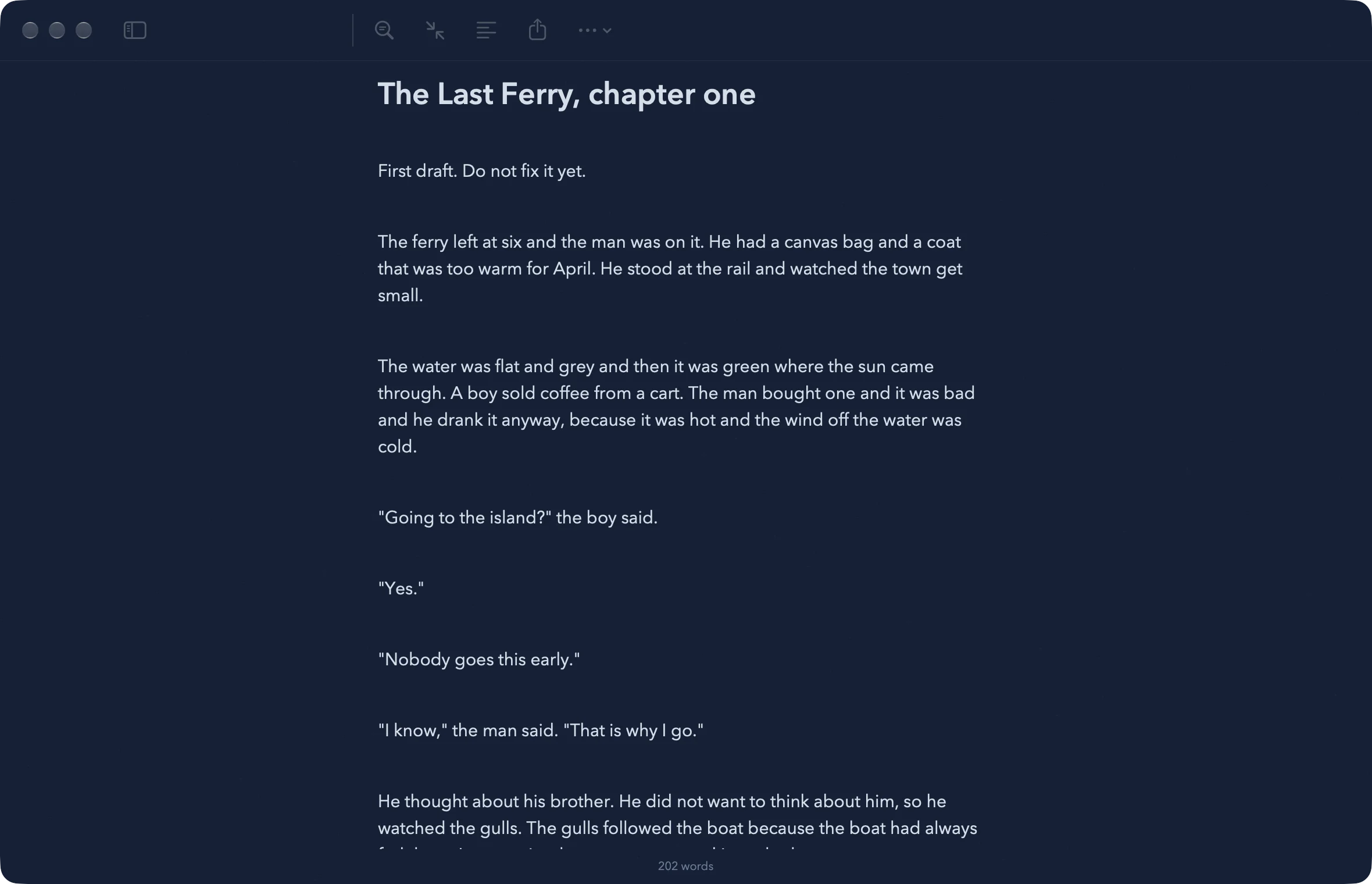
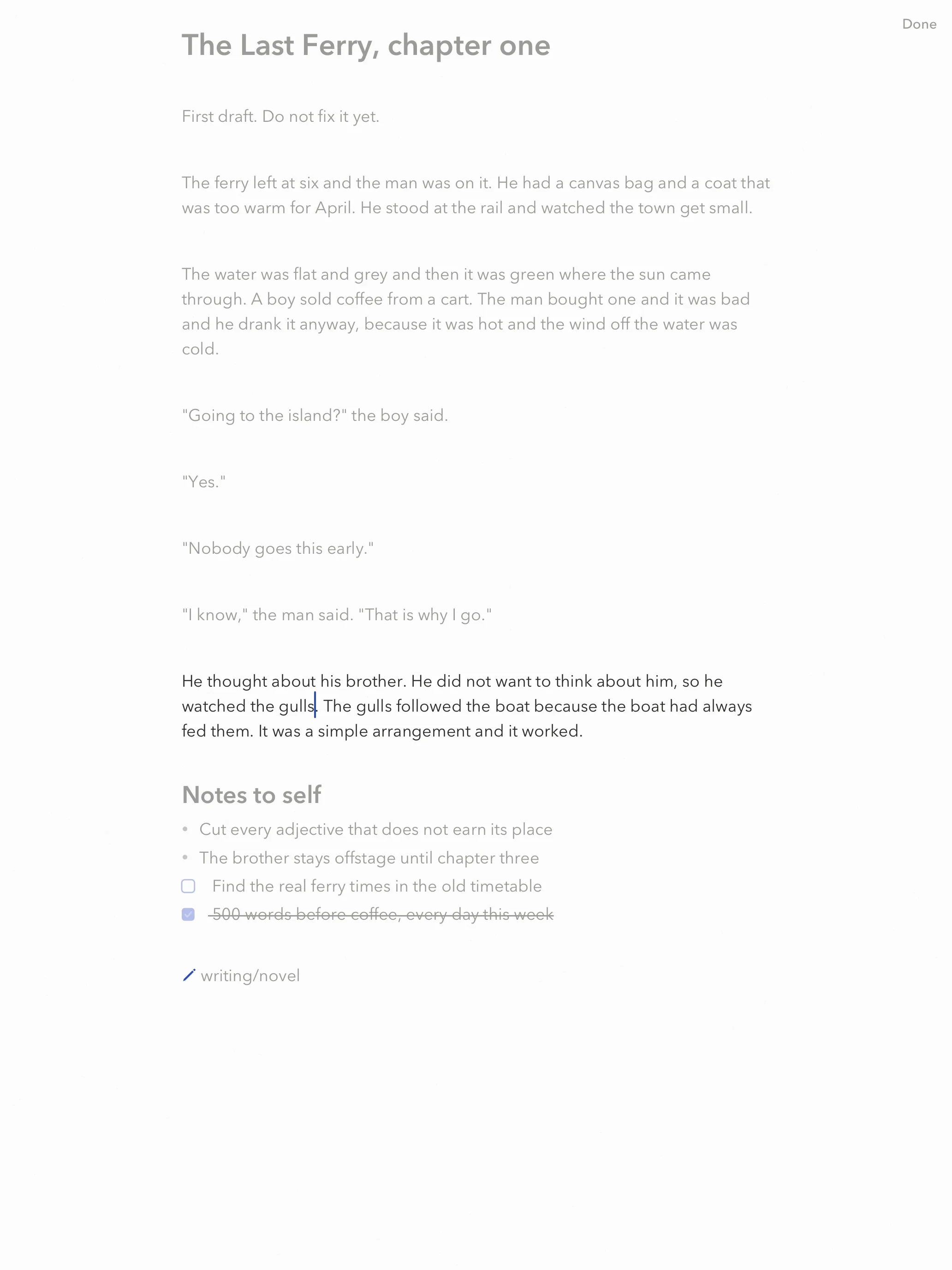
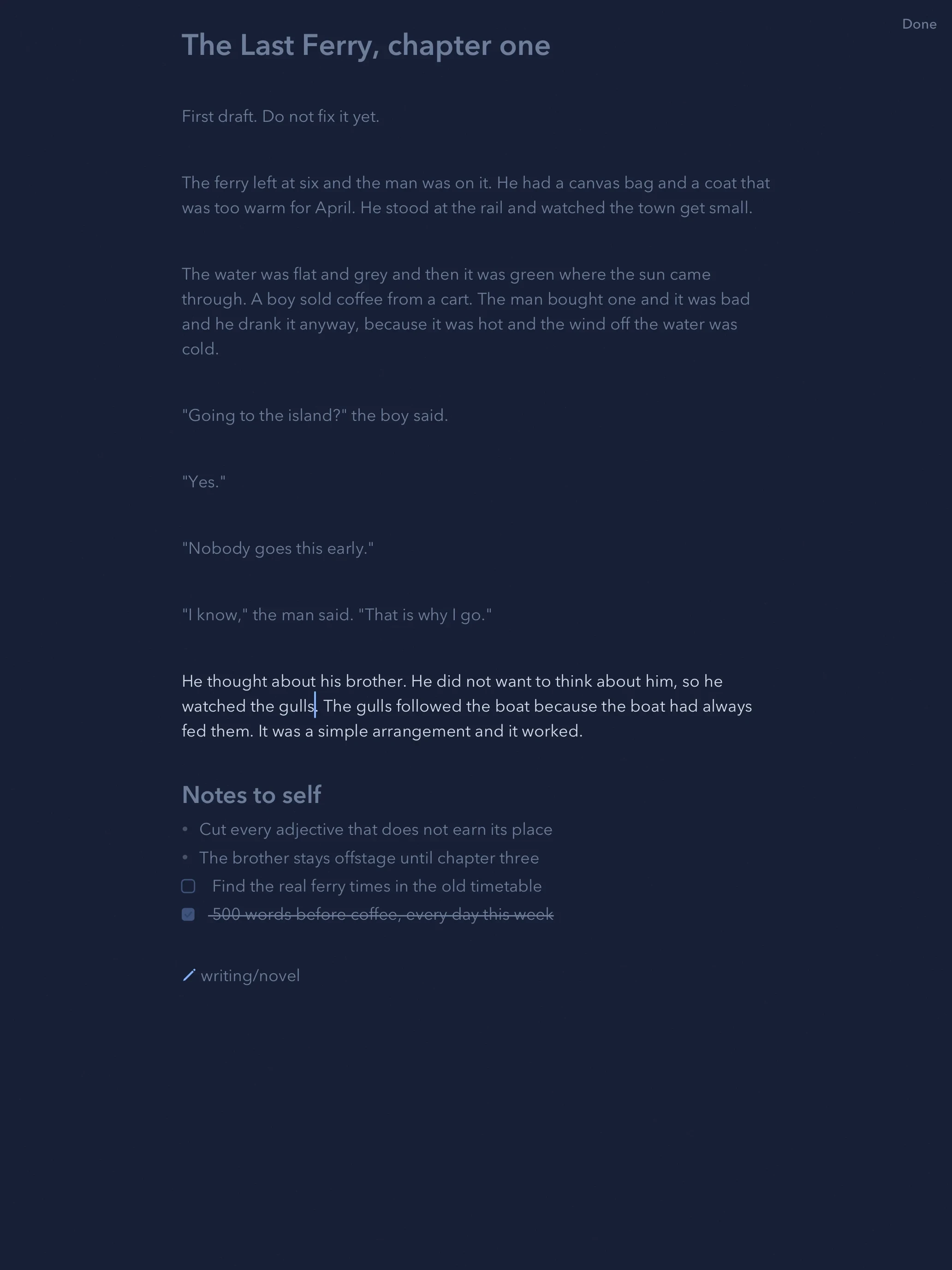
Focus clears away everything but the words. Turn on fading and only the paragraph you are writing stays bright. In the Zone goes one step further: write fast and the letters glow warm, slow down and they cool back to ink blue.
Seven themes
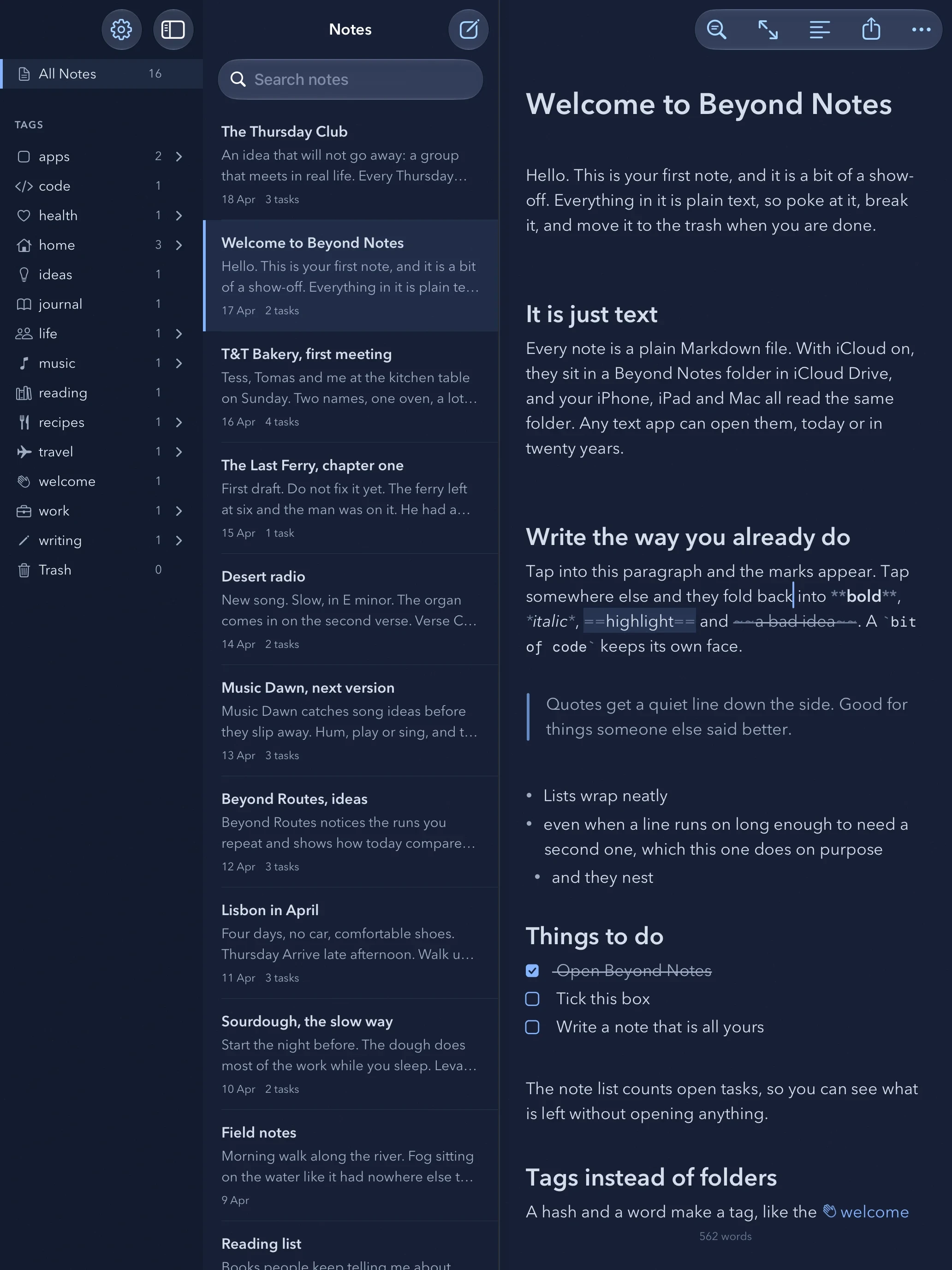
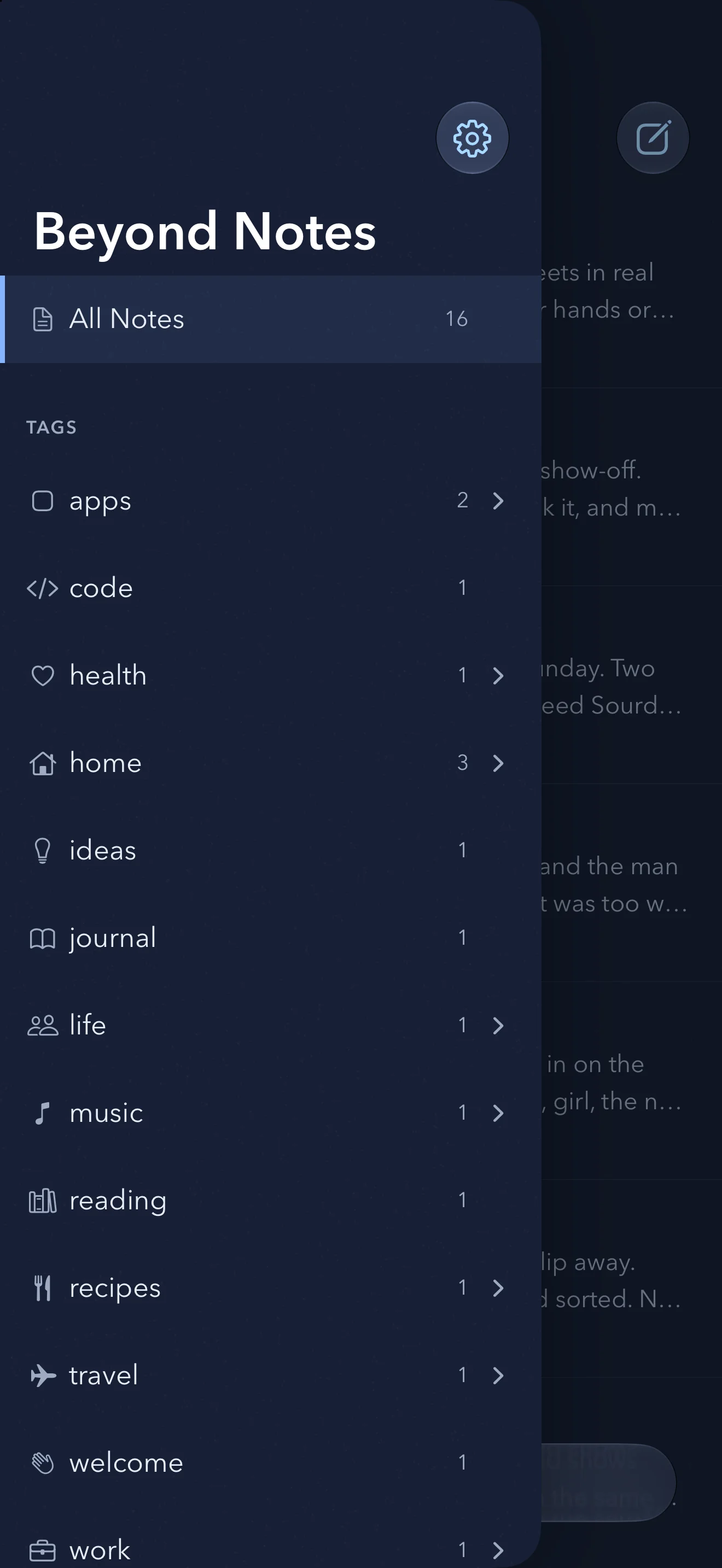
Pick the page you like to write on. The paper, the ink and the In the Zone glow all change with it.
Serif, Sans or Mono for the text, at the size you like.
Blue ballpoint on white paper.
The files are yours
Open Files or Finder and there they are: one .md file per note in a Beyond Notes folder in iCloud Drive. Edit them in any app and Beyond Notes picks up the change. If two devices edit the same note at once, both versions are kept.
Coming from another app? Import takes any folder of Markdown or text files and keeps their tags and dates. Export hands you a folder with a copy of everything.
iCloud Drive / Beyond Notes
- Beyond Routes, ideas.md
- Desert radio.md
- Music Dawn, next version.md
- Sourdough, the slow way.md
- T&T Bakery, first meeting.md
- The Last Ferry, chapter one.md
- The Thursday Club.md
And the rest of it
Sums
Type
120-3*4=and the answer waits after the equals sign. Press Return to keep it.Emoji
Type
:taand pick 🎉 from the list. GitHub shortcodes like:rocket:work too.Code blocks
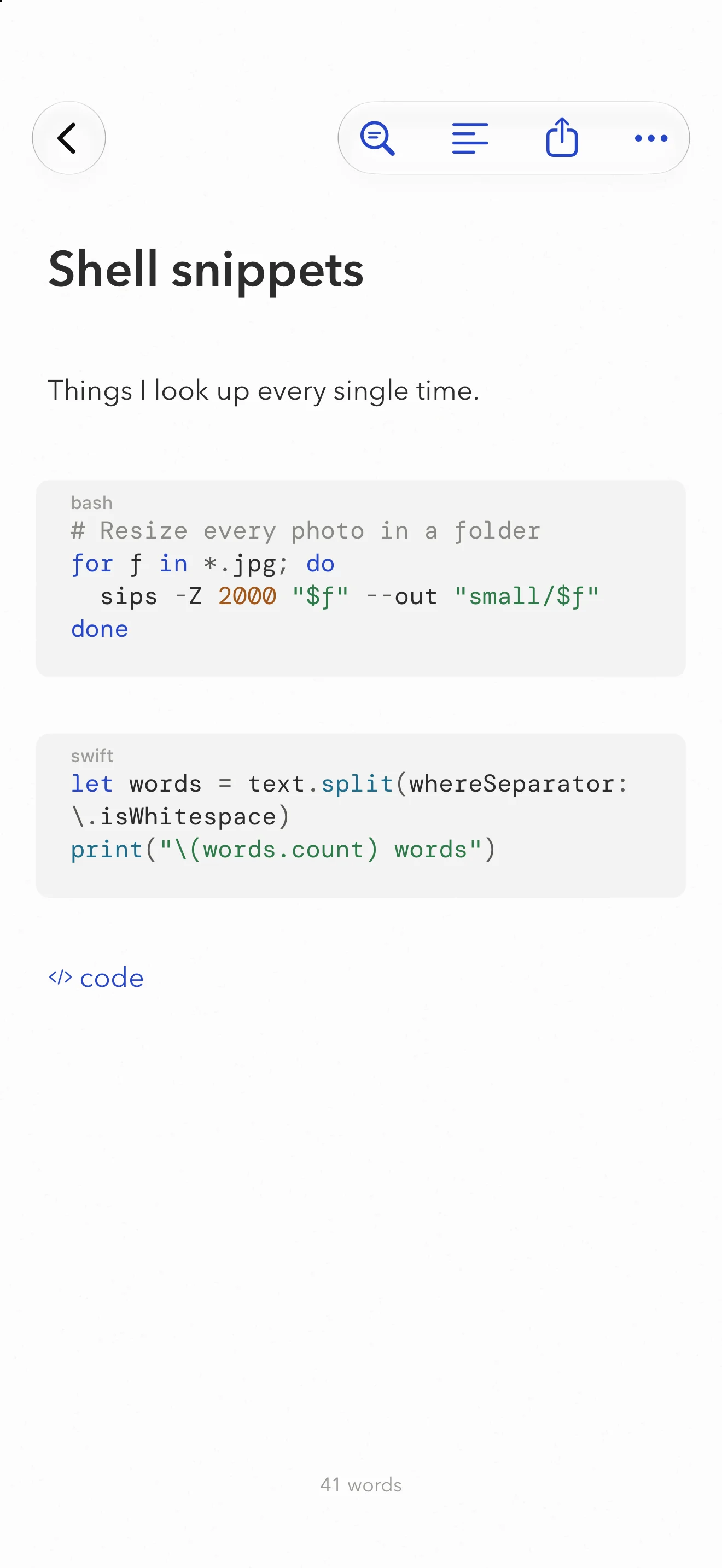
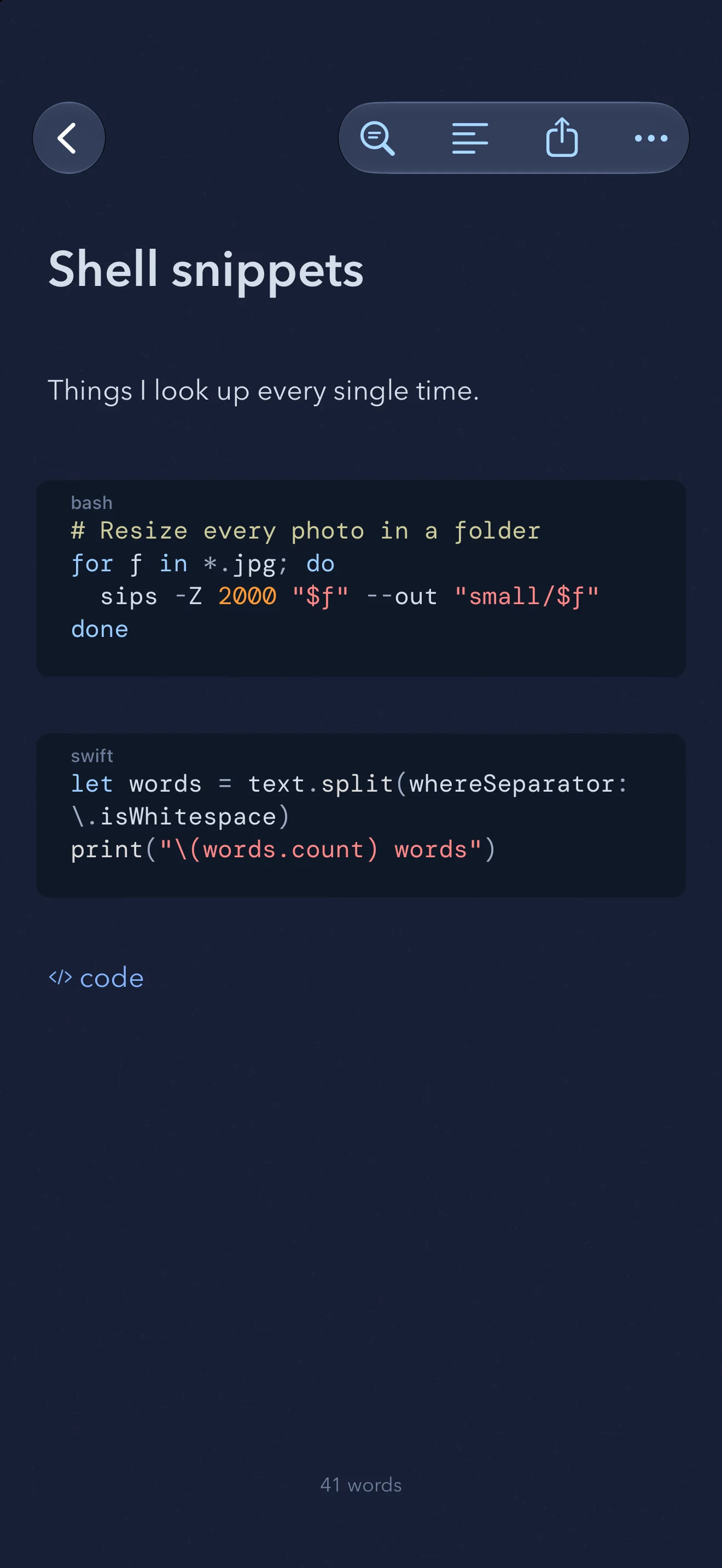
Coloured for twenty languages, Swift to SQL. Type three backticks and pick one.
Links between notes
Type
[[and pick a note. Each note shows which notes link to it.Search everything
Every word in every note, accents or not. Add
#tagto narrow it down.Photos in the text
Drop or paste an image. It is saved next to your notes and shown inline.
A keyboard on the Mac and iPad
⌘1 to ⌘6 for headings, ⌘J for code, ⌘K for links, ⌘D for Focus.
A forgiving trash
Deleted notes wait thirty days, in case you change your mind.
Every feature, free for 30 days
Try all of it on iPhone, iPad and Mac. After 30 days, writing and editing need Beyond Notes Pro, by the month, by the year or once for good. You can always read, search, copy and export your notes, Pro or not.
No ads and no account. Beyond Notes collects no data at all. Your notes travel through your own iCloud and nowhere else, and we never see them.
Questions
- What does it cost?
- Every feature is free for 30 days from the first launch. After that, writing and editing need Beyond Notes Pro, monthly, yearly or a one-time purchase, and one purchase covers iPhone, iPad and Mac. Reading, search, copy and export always work, so your notes are never locked in. There are no ads, and you do not need an account.
- Where are my notes stored?
- In a folder called Beyond Notes in your iCloud Drive, one Markdown file per note. You can open it in Files on iPhone and iPad, or in Finder on the Mac.
- Can I use it without iCloud?
- Yes. With iCloud off, notes are kept on the device. They will not sync to your other devices until iCloud is on.
- Can I bring my notes from another app?
- Yes. Export them from your current app as Markdown or text files. In Beyond Notes, open Settings, choose Import a Folder of Notes and pick that folder. Tags, links and dates come along.
- Can other apps open my notes?
- Any app that reads Markdown or plain text can open the files. Change them there and Beyond Notes shows the change.

Start with a blank page
Coming soon to the App Store
For iPhone, iPad and Mac. iOS 26 and macOS 26.